
Download Free Clear Cookies – Clear Cookies, Internet Explorer, Mozilla Firefox
Overview
Free Clear Cookies is a lightweight utility designed to help users manage their browser data by removing cookies from Internet Explorer and Mozilla Firefox. The app addresses the common need for quick, secure, and targeted cookie deletion, offering a faster alternative to built-in browser settings. Its primary purpose is to streamline the process of clearing browsing data, particularly for users who prioritize privacy or want to reset site preferences without affecting other settings.
Target users include individuals seeking a no-frills solution for maintaining browser hygiene, such as those concerned about online tracking, data retention, or performance degradation due to accumulated cookies. It is especially useful for users who frequently switch between personal and shared devices, or those who want to log out of websites without manually navigating through browser menus.
While the developer did not provide additional background information, the app’s release date of February 21, 2012, indicates it has been in circulation for over a decade, suggesting a stable and tested core functionality. Despite its age, the tool remains relevant for users who rely on older or legacy browser environments where modern privacy tools may not be available.
Real-world use cases include clearing cookies before sharing a device, resetting login sessions, or removing tracking data after completing sensitive online tasks. In the broader app ecosystem, Free Clear Cookies serves as a niche but functional utility that complements more comprehensive privacy suites, offering a focused solution for a specific task.
Key Features & Functionality
- Fast Cookie Removal: The tool completes the cookie deletion process in under five seconds, significantly reducing wait time compared to manual browser clearing. This speed is ideal for users who need to clear data quickly during routine maintenance or when preparing a device for another user.
- Selective Domain Elimination: Users can choose to delete cookies from specific websites, allowing them to preserve login sessions or preferences on trusted domains while removing data from others. This targeted approach enhances usability and prevents unintended logouts.
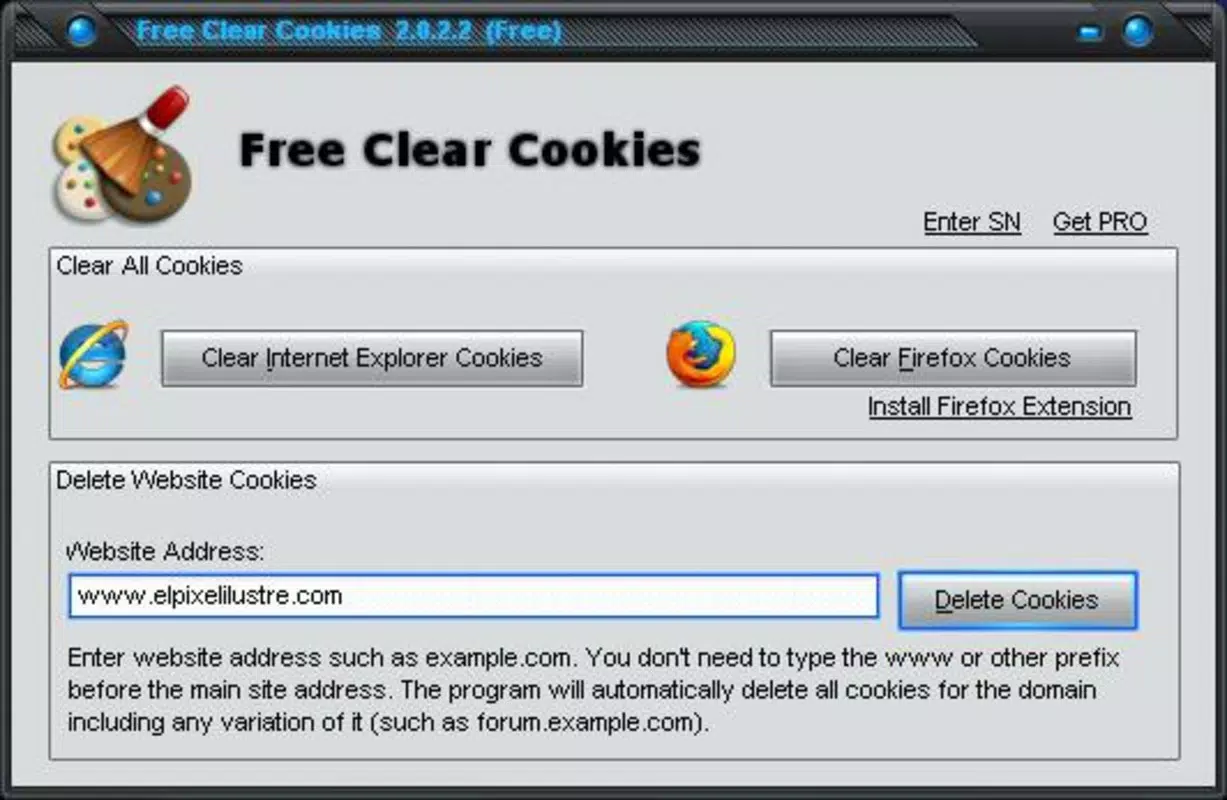
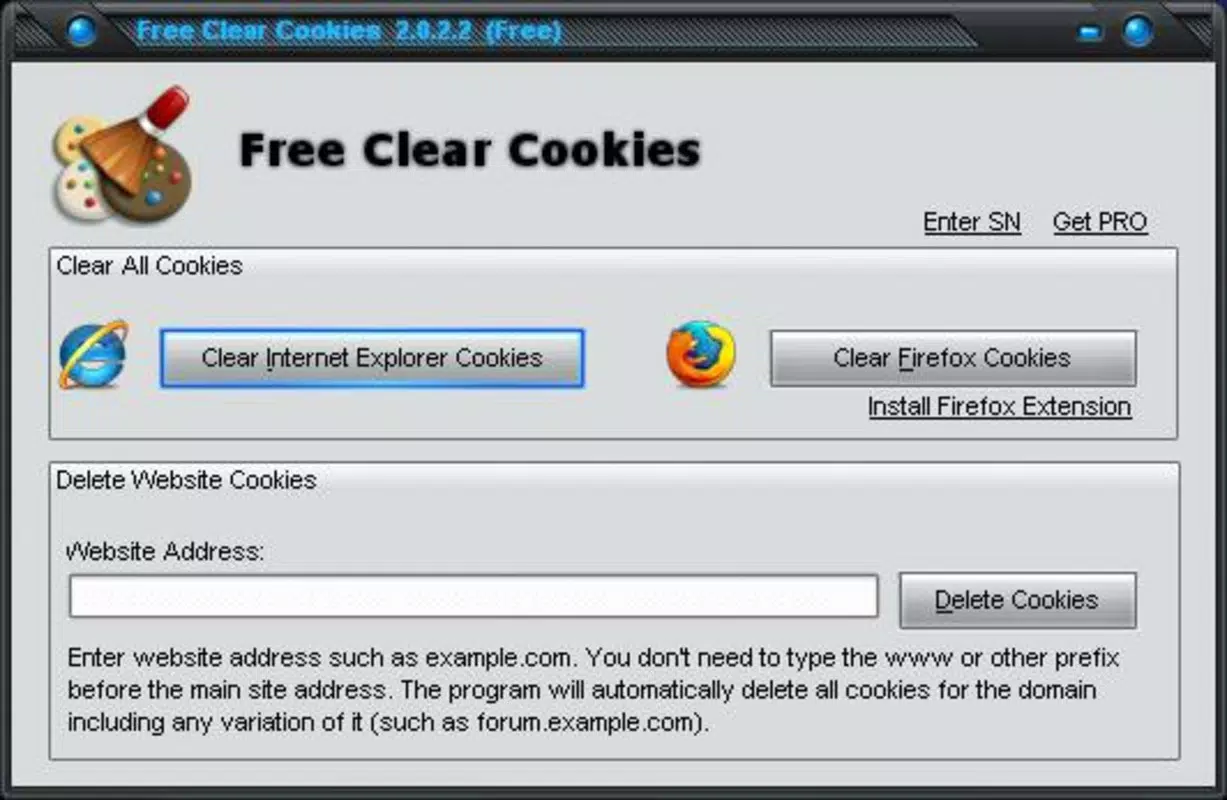
- User-Friendly Interface: Designed for simplicity, the interface requires only two clicks to initiate a full or selective cookie cleanup. This minimalistic design ensures accessibility for users of all technical levels, including those unfamiliar with advanced browser settings.
- Browser Compatibility: Free Clear Cookies supports two widely used browsers—Internet Explorer and Mozilla Firefox—making it a versatile tool for users across different environments. This compatibility ensures broad reach without requiring additional software or plugins.
For example, a user preparing a shared computer for a guest can quickly remove cookies from social media and shopping sites while keeping login data for their email account. Similarly, someone concerned about privacy after browsing sensitive content can selectively erase data from specific domains without disrupting their overall browsing experience.
Interface, UX & Performance
The interface of Free Clear Cookies is minimalistic, focusing on core functionality without distractions. It likely presents a clean window with a simple list of websites and checkboxes, enabling users to select specific domains for cookie removal. The navigation is straightforward, with clear labeling and intuitive controls that reduce the learning curve.
Although the developer did not list formal performance metrics, the app’s claimed speed of under five seconds suggests efficient execution, likely due to direct access to browser storage. The tool appears optimized for responsiveness, ensuring that operations complete without freezing or lag, even on older systems.
Stability is implied by the app’s long-standing presence since 2012, though no formal testing data was provided. Users can expect consistent behavior across different device categories, including desktops and laptops running supported operating systems. The lack of complex animations or background processes contributes to a lightweight footprint and predictable performance.
Platform Compatibility & Technical Requirements
Free Clear Cookies is compatible with Internet Explorer and Mozilla Firefox, two desktop browsers that have been widely used for over a decade. The app is designed for Windows-based systems, as both supported browsers are primarily available on this platform. However, the developer did not specify the minimum operating system requirements, such as Windows 7, 8, or 10.
The file size is not disclosed, but given the app’s lightweight nature and single-purpose function, it is likely under 10 MB. The software version and release date are known: version 1.0 was released on February 21, 2012. No updates or newer versions have been reported, indicating the app may no longer be actively maintained.
Compatibility information was not fully disclosed, and no details were provided about support for newer browser versions or Windows updates. Users should exercise caution when installing on modern systems, as legacy tools may face compatibility issues with updated security protocols.
Pros and Cons
Pros
- Simple two-click process for rapid cookie removal
- Supports selective deletion of cookies from specific websites
- Compatible with widely used desktop browsers (Internet Explorer, Firefox)
- Lightweight and fast, completing tasks in under five seconds
- Accessible to users with minimal technical knowledge
Cons
- App has not been updated since 2012; potential compatibility risks on modern systems
- No official support for mobile browsers or newer operating systems
- Developer did not provide technical details on security or data handling
- Limited to desktop environments; not available for Android or iOS
- No official update mechanism or version tracking
FAQ
Is Free Clear Cookies safe to download and use?
The app is designed as a utility for clearing browser cookies and does not appear to include malware. However, since it has not been updated since 2012, users should ensure their system has up-to-date antivirus protection before installation.
Can I use Free Clear Cookies on my smartphone?
No, the app is designed for desktop browsers and is not compatible with mobile platforms such as Android or iOS. It does not support mobile web browsers.
Does Free Clear Cookies delete all cookies or only selected ones?
Users can choose to delete all cookies or selectively remove cookies from specific websites, offering flexibility based on individual privacy needs.
Is Free Clear Cookies free to use?
Yes, the app is available at no cost. There are no in-app purchases or subscription fees associated with its use.
How often should I clear cookies using this tool?
Users may choose to clear cookies after sensitive browsing sessions or when experiencing performance issues. There is no fixed schedule, as frequency depends on personal privacy preferences and usage patterns.
Final Thoughts + CTA
Free Clear Cookies remains a functional tool for users who need a quick, no-nonsense way to manage browser cookies on Internet Explorer and Firefox. While its age and lack of updates raise compatibility concerns on modern systems, its core functionality—fast, selective cookie deletion—still holds value for those working in legacy environments or requiring a lightweight solution.
It is best suited for individuals who prioritize simplicity, speed, and control over their browsing data without the overhead of complex privacy suites. For users on older Windows systems or those who prefer minimal tools, it offers a practical alternative to built-in browser settings.
Despite its limitations, Free Clear Cookies delivers on its promise: a secure, efficient way to clear cookies with minimal effort. If you're looking for a straightforward utility to maintain browser hygiene, this tool remains a viable option.
Download Free Clear Cookies now


